Concept guide
Before calling HTTP APIs or configuring MCP, learn Engra's two product lines: Agent Memory (Library / Scope / Topic / Atom + L0–L3 stack) and AI Gateway (platform keys + logical routes).
Suggested reading order
If this is your first integration, follow this public-docs path to cover core concepts and endpoints:
- This page — memory hierarchy, memory stack, and Gateway terminology
- Agent Memory API — auth, /api/v1/memory endpoints, write/retrieve examples
- Agent Memory MCP or Agent Skills — tools and workflows for coding agents (Cursor, etc.)
- Gateway integration — baseUrl, access protocols, and SDK examples
- Logical routes — how requests are resolved at the Gateway endpoint
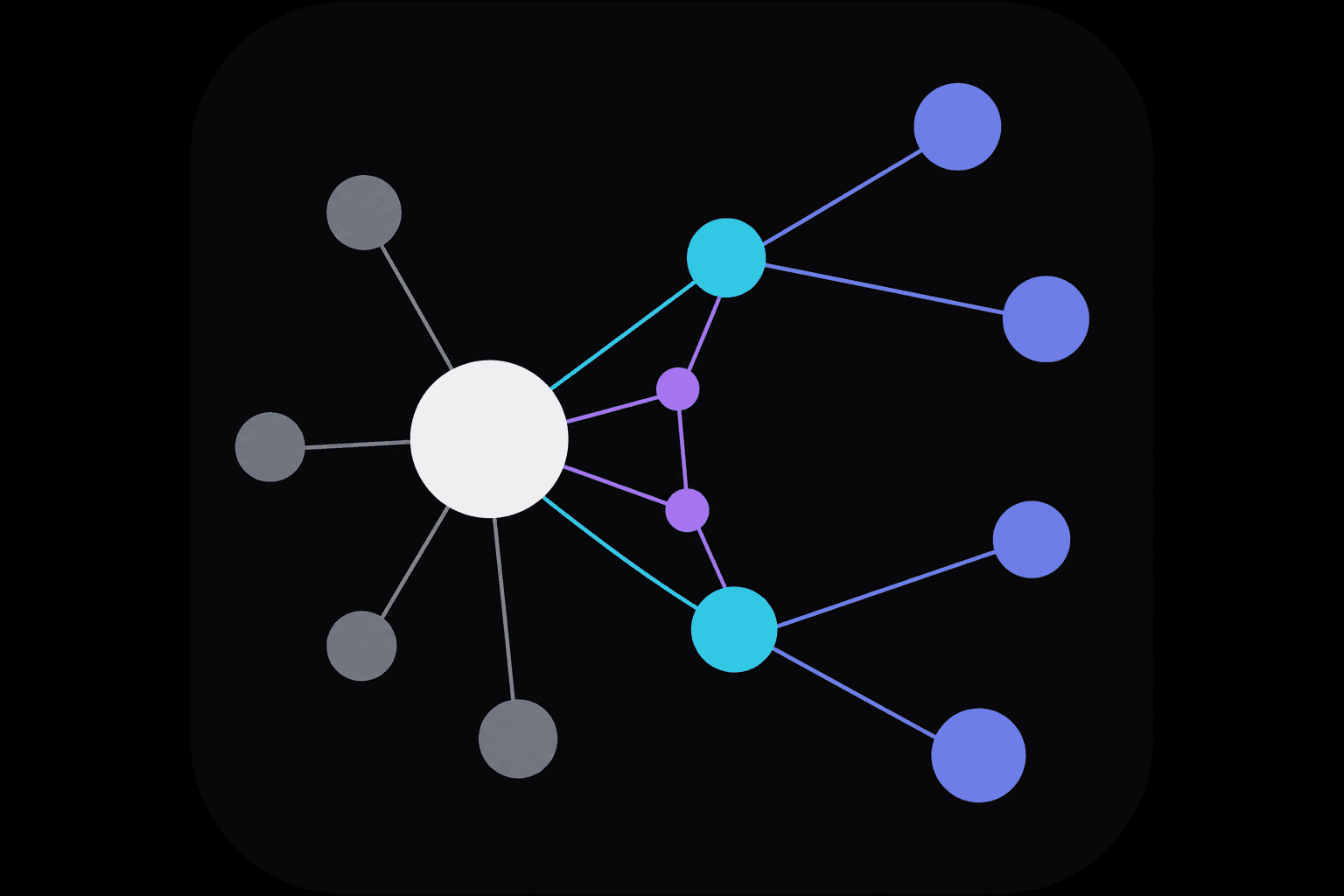
Memory hierarchy: Library → Scope → Topic → Atom
Memory API uses Library as the top isolation boundary (pass memoryLibraryId on writes). Pick Scope / Topic before writing; the engine binds each Library to libraryKey (library-{id}). Cross-layer references use path-style links in body text.
- Library
- Isolated memory workspace (tenant boundary): separate storage, vectors, and indexes. Each team can create multiple libraries per project or use case.
- Examples: support knowledge base, engineering runbooks, onboarding library
- Scope
- Broad thematic bucket for work domains—not a single memory title. The system can suggest a scope on write when left empty.
- Examples: engineering, finance, operations
- Topic
- Narrow subject within a scope, clustered by meaning. Not calendar buckets by default; encode time periods in names if needed.
- Examples: billing, api-auth, onboarding
- Atom
- Smallest retrievable unit: structured body, optional attachment, and semantic vector. One Atom is the basic create/search object in the API.
- Examples: a billing rule, an incident postmortem summary
Memory stack (L0–L3) and public API
Works with the four layers: what to load when a session starts vs. what to search during conversation. Call the HTTP endpoints below (memory:read or memory:write on your API key):
| Level | Role | API |
|---|---|---|
| L0 Identity | Stable self-description for session identity | POST /api/v1/memory/wake-up (returned with L1) |
| L1 Core narrative | Top salient atoms for fast session wake-up | POST /api/v1/memory/wake-up |
| L2 Recall | On-demand recall with Library / Scope / Topic filters | POST /api/v1/memory/recall |
| L3 Deep search | Semantic search across the library for open-domain Q&A | POST /api/v1/memory/search |
Links between atoms (Wikilink)
Atom bodies support path-style wikilinks so agents can jump to related memories. The console shows a backlink graph; embed links in the document field when writing via the public API.
[[/finance/billing/invoice-rules: Due on the 25th each month]]
Path format: /{scope}/{topic}/{slug-or-title}. No separate "create edge" API—links are parsed at index time and backlinks are maintained automatically.
Gateway core concepts
Gateway exposes Gemini- and OpenAI-compatible HTTP endpoints. Client SDK model fields match official usage; routing, fallbacks, and upstream keys are configured in the console and resolved at the Gateway endpoint.
- Platform API key
- Created in the console for /g/<public-id>/... or Memory /api/v1/memory. Not your upstream Gemini/OpenAI key.
- Public ID
- 10-character code after /g/ on the Gateway detail page; embed it in SDK baseUrl.
- Access protocol
- Entries such as gemini-v1beta and openai-chat can be toggled; disabled protocols return 403.
- Logical route
- Branches on model, headers, or input format; chains model connections, IF/ELSE, fallbacks, and prompt templates. Only one route enabled per Gateway.
- Model connection
- Upstream provider keys and endpoints bound in the console; used by Gateway proxy, not exposed to integrator SDKs.