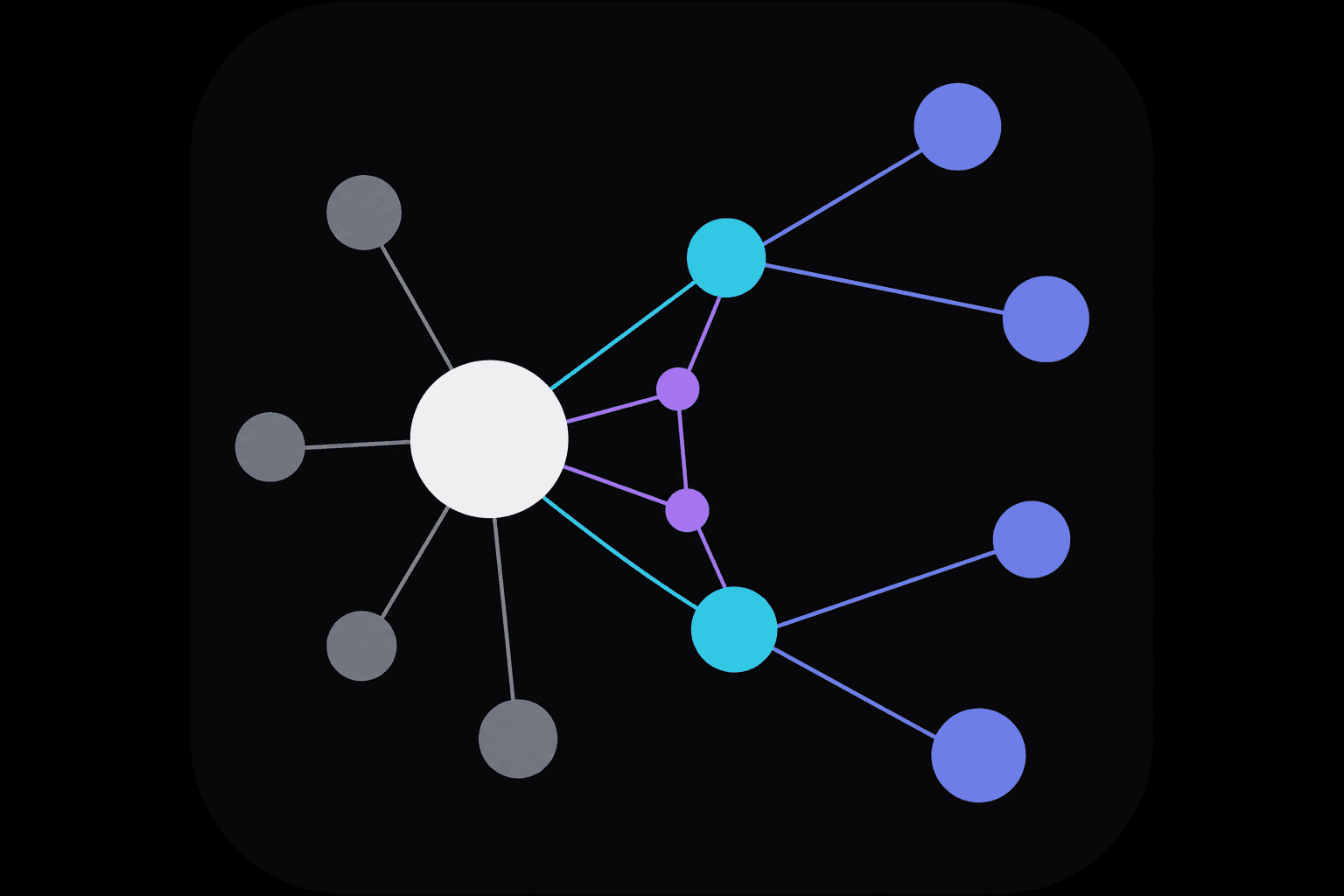
Logical routes
Logical routes are configured in the console as a flow diagram (RouteLogicV2). When a request hits /g/<public-id>/..., the gateway reads model and payload from the client, resolves the enabled route’s flow at the endpoint, then forwards to upstream endpoints defined under model connections.
What it solves
- A Gateway can define multiple routes, but only one is enabled at runtime; enabling another disables the rest on save.
- Clients do not need a special “route name vs provider model” mode—the model field stays identical to the upstream SDK; resolution happens only on the gateway endpoint.
- Supports branching on input format, headers/metadata, model ID, multi-endpoint fallback chains, and deny nodes.
How a request is handled
- The client uses the official SDK with baseUrl pointing at /g/<public-id> (Gemini: do not append /v1beta).
- The request carries a platform API key; the gateway checks team and optional Gateway binding.
- The gateway picks the access-protocol entry (gemini-v1beta, openai-chat, etc.) and loads the currently enabled logical route.
- Flow nodes are evaluated in order; a matching branch uses its model connection; otherwise ELSE, fallback, or upstream passthrough applies.
- The gateway proxies to the provider and returns the response to the client.
Access protocols and logic flow
Enable gemini-v1beta, openai-chat, openai-responses, and other entries on the Gateway detail page. Requests enter by URL path, then run the same enabled route flow. Disabled protocols return 403.
Flow node types
Endpoint
Endpoint
Points at one upstream node in model connections; used at branch leaves or for passthrough forwarding.
if/else
if/else · switch
Split on input format, metadata, file size, model ID, etc.; nestable.
Fallback
Fallback chain
Try endpoints in order; on failure, attempt the next.
Deny
Deny
When conditions match, return an HTTP error without calling upstream.
Example flow (same canvas as the console)
Static illustration below—pan and zoom like the console route editor (drag background, scroll to zoom).
Demo route id: chat · conditions are examples; configure real logic in the console
Start
chat
Access protocols (enabled on the Gateway detail page); each path runs the same logical route flow below
Entry
Google Gen AI SDK
v1beta/**
baseUrl without /v1beta
Entry
OpenAI · Chat
v1/chat/completions
baseURL includes /v1
Entry
OpenAI · Responses
v1/responses
baseURL includes /v1
if/else
input format = image+text
Endpoint
Endpoint · Gemini 2.0 Flash
if/else
metadata.tier = pro
Endpoint
Endpoint · GPT-4o
ELSE → Fallback
Fallback
model from request · resolved at endpoint
Edit in the console
Open Gateway → Routes → edit the enabled route. The same canvas UI supports drag-and-drop components and per-protocol views. After saving, clients keep sending model in the SDK unchanged.